
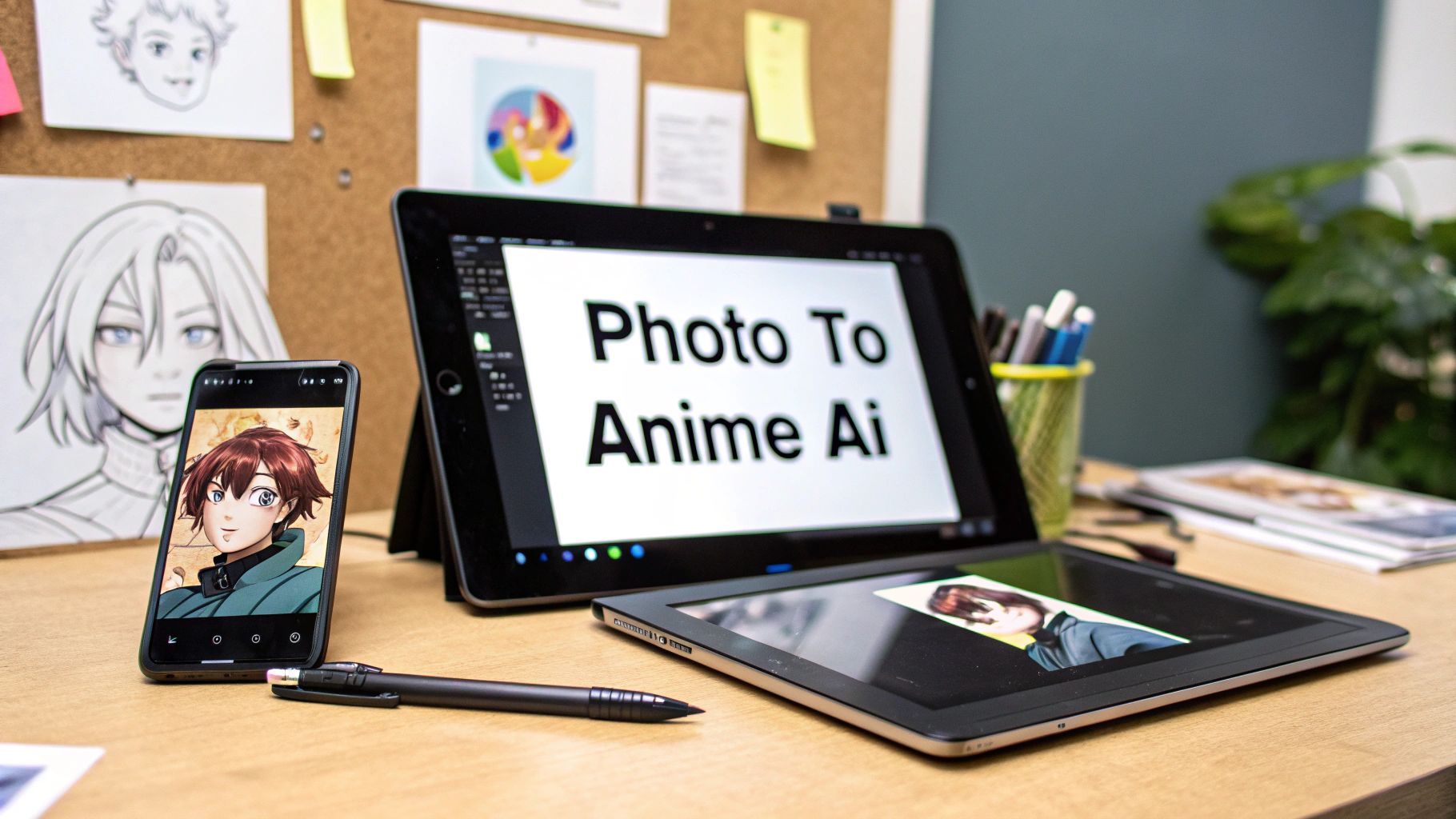
Ever wonder how your friends are suddenly turning their profile pictures into stunning anime characters? It's not just a simple filter—it's the magic of generative artificial intelligence, and it's taking over social media feeds everywhere.
This tech does something far more interesting than just slapping a new texture on your photo. It uses sophisticated AI to analyze the core features of your image—your face shape, your hair, even the background—and then completely rebuilds it from the ground up in a specific anime aesthetic. Think Shonen-style action heroes or the dreamy, painterly look of a Ghibli film.
What's Driving the Anime Art Trend?
The explosion of anime-style selfies is no accident. It’s all thanks to powerful and now widely accessible generative AI models that have fired up people's imaginations. Suddenly, anyone can see themselves, their friends, or even their dog reimagined through the lens of their favorite anime series.
What really makes this so captivating is how the AI deconstructs and then reconstructs your photo. It's not just overlaying some colors. The AI has learned the fundamental rules of different art styles—like the oversized, expressive eyes common in Shojo manga or the sharp, dynamic lines of an action series—and it applies those principles directly to your picture.
The AI Behind the Art
At its core, this whole creative movement is powered by generative artificial intelligence. These complex systems are trained on gigantic libraries of images, which teaches them to recognize and replicate distinct artistic patterns. They learn the nuances of countless anime styles, allowing them to create a brand-new piece of art that perfectly fuses your photo with that chosen aesthetic.
If you're curious about the nuts and bolts, our deep dive into the role of artificial intelligence in photography breaks down exactly how these models are shaking up the creative world.
This process is about creating something entirely new. The AI isn't just cutting and pasting; it's interpreting.
The result is a completely original image that pays homage to both your original photo and the specific art style you're aiming for.
From Niche Tech to Viral Sensation
This trend didn't just appear out of thin air. The AI "photo to anime" craze absolutely blew up in 2025, driven by a perfect storm of viral social media challenges and increasingly powerful AI tools.
While there was barely a flicker of interest in 2024, Google Trends data shows a massive spike around March 2025. It went from virtually zero to a household name in just a few short months. This incredible growth was all grassroots, powered by people just like you sharing their amazing creations online. You can get a closer look at the market forces behind this shift in Accio's comprehensive market overview.
This isn't just a fleeting fad. It’s a reflection of anime's massive influence on global culture, giving everyone a chance to step into the art and cast themselves as the main character of their own story.
Your First AI Anime Transformation in Minutes
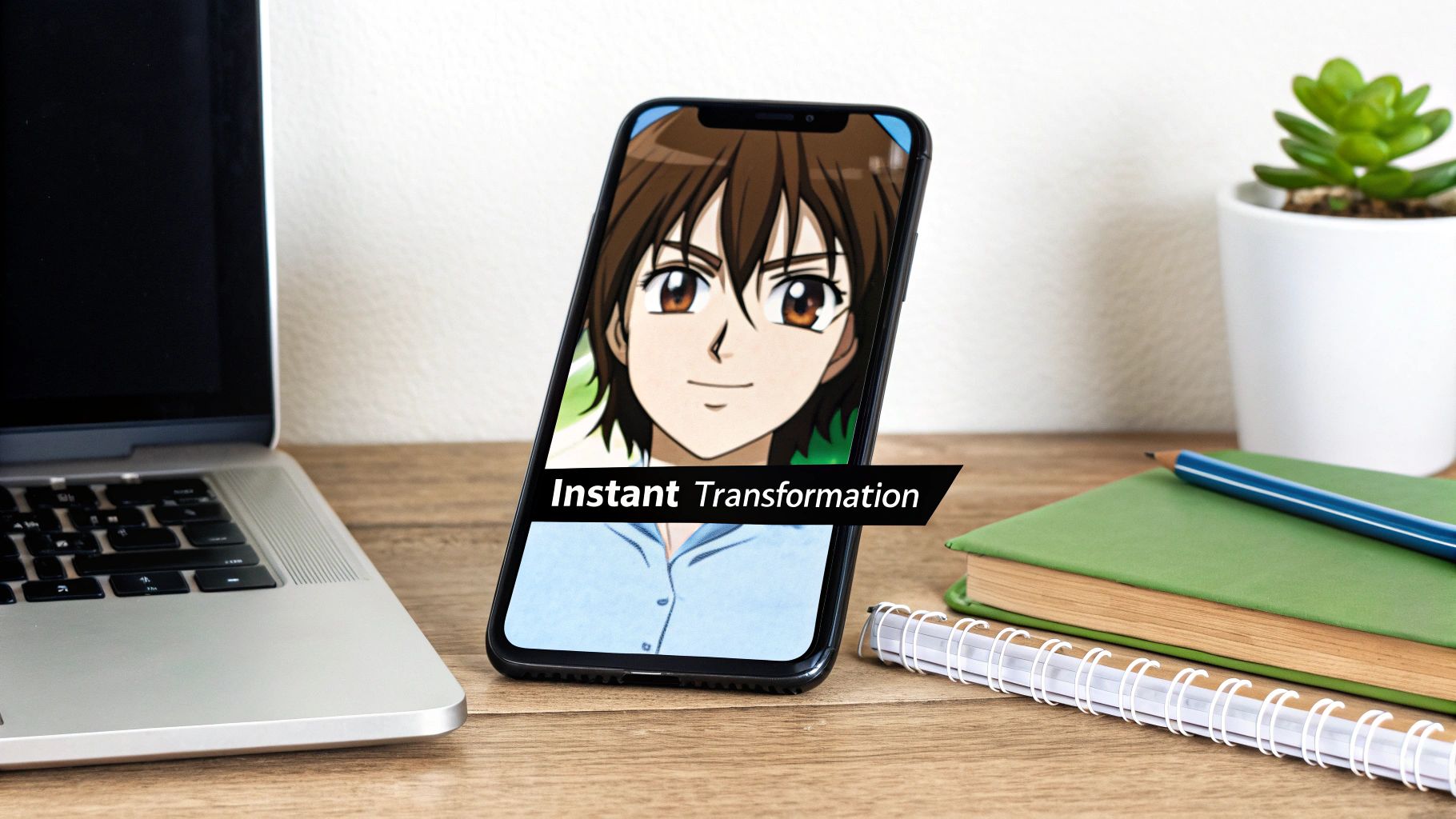
So, you’re ready to see yourself as an anime hero? Let's walk through the exact steps to create your first AI-generated portrait. The process is simple and you don't need any artistic skills, just a photo and a clear idea.
Step 1: Choose the Right Photo
This is the most critical step. A blurry, dark, or overly busy picture can confuse the AI, leading to a muddled result. To get the best possible outcome, think like a photographer for a second. You want a picture where your face is front and center, well-lit, and sharp.
Here's a quick checklist for the perfect source photo:
- Good Lighting is Key: Use a photo with natural, even lighting. Avoid harsh shadows or very low light so the AI can clearly see your facial features.
- Clear Facial Features: Make sure nothing is blocking your face—no hands, stray hair, or other objects. A shot where you’re looking straight at the camera or slightly to the side works best.
- Simple Backgrounds Win: A cluttered background can distract the AI. A plain wall or simple outdoor scene is ideal because it lets the model focus entirely on you.
Step 2: Upload and Select Your Style
Once you've got the perfect shot, it's time to upload. In a tool like AI Photo HQ, you'll find an "Upload Image" button. Select your file, and you'll be presented with a gallery of anime styles. This is where you decide what kind of anime world you want to step into. Are you going for a soft, painterly look or something bold and action-packed?
If you're curious about what else is possible, our guide on using an AI art generator from a photo has some great inspiration.
Step 3: Generate and Download
With your photo uploaded and style selected, hit the "Generate" button. The photo to anime AI gets to work, analyzing your photo and completely rebuilding it based on the artistic rules of your chosen style. It's pretty amazing to watch.
This kind of rapid AI transformation isn't just for images, either. You see similar processes in other creative fields, like making karaoke videos with AI-powered tools, where audio and visuals are synced up automatically.
The AI doesn’t just apply a filter; it reinterprets your photo's core elements—like your jawline and hair color—into a new artistic medium. This is why the output is a genuine piece of art, not just an edited picture.
In just a few seconds, your new anime portrait is ready. From there, you can download it, share it with your friends, or jump back in and experiment with a totally different style.
Choosing the Perfect Anime Style for Your Photo
Okay, this is where the real fun begins. The style you pick will define the entire mood of your new anime creation. Think of each option as a different creative lens. A soft, painterly Ghibli-inspired aesthetic is perfect for a gentle portrait, while a bold, high-contrast Shonen style can make an action shot look like it's straight from a blockbuster anime.
A Practical Tutorial: Matching Style to Photo
Let's do a quick tutorial. Imagine you have a photo of yourself smiling in a sunny park. How do you choose the right style?
- Analyze Your Photo's Vibe: The photo is happy, bright, and natural. The mood is peaceful and positive.
- Browse the Style Gallery: Look for styles that match this mood. In this case, you'd scroll past the dark, gritty cyberpunk styles.
- Identify Potential Matches: A "Ghibli-inspired" or "Pastel Watercolor" style would be a great fit. Their soft textures and gentle colors will enhance the photo's original feeling.
- Consider the Opposite: What if you chose a "Shonen (Action)" style instead? It would create an interesting contrast—a smiling face with bold, dramatic lines. This can be a cool artistic choice, but it changes the original story of the photo.
The best AI anime art doesn't just copy a style; it uses that style to tell the original photo's story in a new way. Your choice is what directs the AI on how to retell that story.
This image below breaks down the relationship between your original photo and the finished artwork.
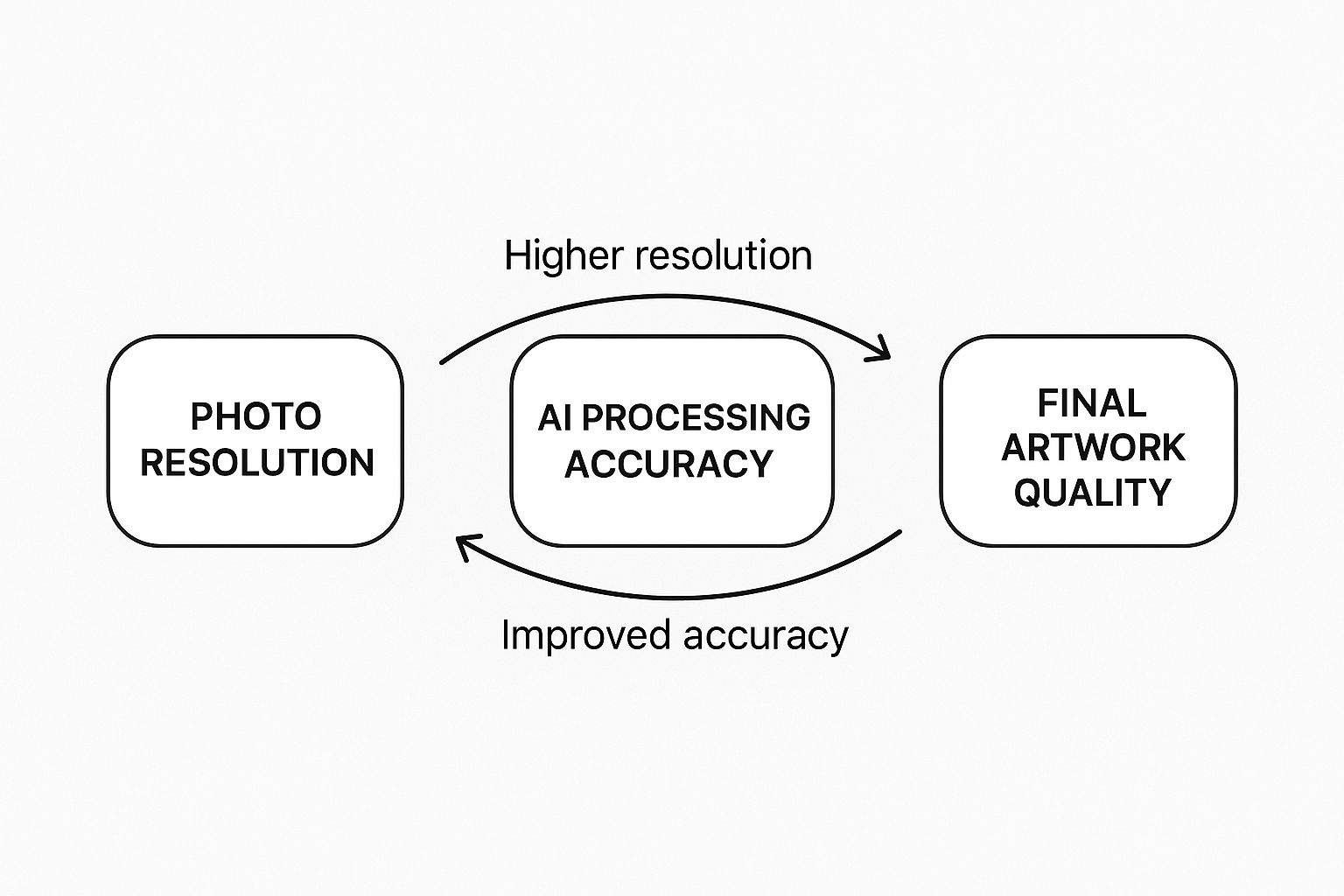
As you can see, starting with a clean, high-resolution photo gives the AI much more data to work with. This directly translates to a sharper, more detailed, and higher-quality anime version.
A Quick Style Reference Guide
To get a feel for this, let's break down how different styles can completely change the same photo. The table below is a cheat sheet for some of the most popular aesthetics you'll find.
| Anime Style | Key Characteristics | Best For Photos That Are... | Example Use Case |
|---|---|---|---|
| Ghibli-Inspired | Soft, painterly backgrounds; gentle character designs; nostalgic feel. | Peaceful, scenic, or have a touch of wonder. | A photo of a quiet forest path or a candid portrait in a garden. |
| Shonen (Action) | Bold lines, dynamic shadows, intense expressions, and vibrant colors. | Action-packed, confident, or have a sense of adventure. | A shot from a sporting event or a friend striking a heroic pose. |
| Shojo (Romantic) | Delicate features, large expressive eyes, and a focus on emotion. | Romantic, thoughtful, or emotionally focused. | A couple's photo or a portrait capturing a wistful expression. |
| Cyberpunk | Neon highlights, futuristic elements, and a gritty, high-tech aesthetic. | Urban, modern, or have a moody, edgy vibe. | A picture taken at night in a city with lots of lights. |
Don't be afraid to experiment. Sometimes the most unexpected style combinations create the most striking art. This whole process of discovery is a huge part of what makes AI image style transfer so addictive for creators.
Pro Techniques for Jaw-Dropping Anime Portraits
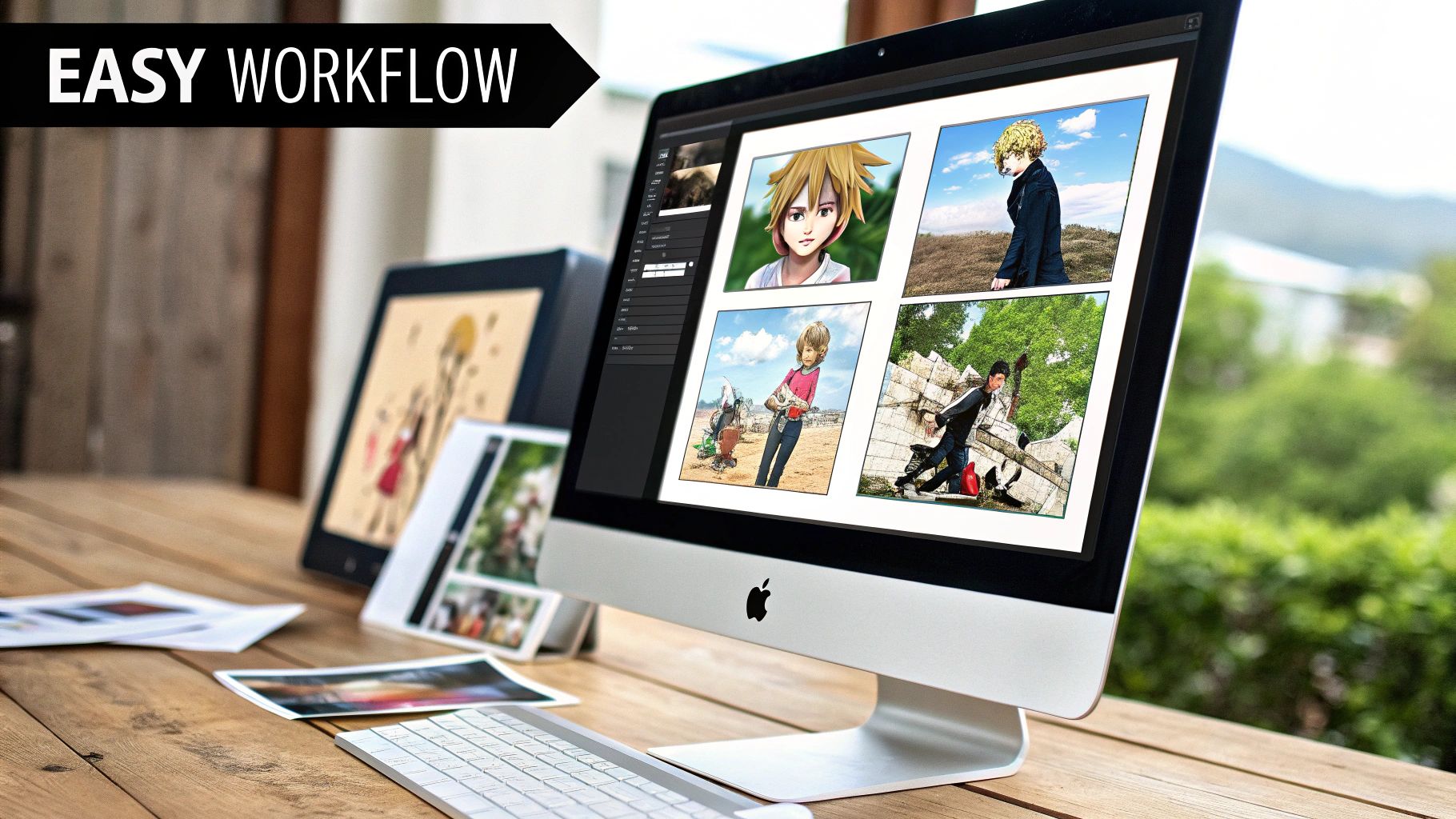
Ready to take creative control? Advanced tools in a photo to anime AI platform like AI Photo HQ let you guide the AI with text prompts. This is where you go from picking a style to becoming the director of your artwork.
Tutorial: Adding Details with Positive Prompts
Positive prompts are how you add new elements to your scene. Let's walk through an example.
Goal: Turn a simple selfie with a plain background into a magical fantasy portrait.
- Upload your selfie.
- Select a fantasy-adjacent style, like "Illustrative" or "Ghibli-Inspired."
- Go to the positive prompt box. This is where you'll give your instructions.
- Type in your details. Instead of just generating, add a prompt like:
glowing magical aura, floating particles, starry night sky, wearing a silver circlet. - Generate the image. The AI will now incorporate these specific elements into the final artwork, transforming your simple selfie into an epic scene.
You can get very specific. Try prompts like:
city lights in background, bokehto create a nighttime city scene.serene forest, sunbeams filtering through treesfor a mystical, natural vibe.wearing a red scarf, gentle windto add specific accessories and motion.
Tutorial: Refining Your Art with Negative Prompts
Negative prompts tell the AI what to avoid. This is crucial for cleaning up common AI mistakes.
Goal: Remove distracting elements and fix weird-looking hands in your generated art.
- Generate your image as usual. Notice the AI added blurry text in the background and one hand looks a bit strange.
- Find the negative prompt box.
- Type in what you want to remove. Enter a prompt like:
extra fingers, deformed hands, blurry background, text, watermarks. - Re-generate the image. The AI will now try again, actively avoiding the things you listed.
A well-placed negative prompt is the secret to getting a clean, professional-looking result. It helps the AI avoid weird artifacts, leading to a much more polished and believable final image.
Mastering the Influence Setting
The influence setting (sometimes called "strength") controls the balance between your original photo and the anime style. It's a slider that lets you fine-tune the final look.
- Low Influence Tutorial: Set the slider to 20-30%. The generated image will look very much like your original photo, but with an anime texture. This is great if you want to preserve your exact likeness.
- High Influence Tutorial: Push the slider to 70-80%. The AI now has more creative freedom. It will lean heavily into the anime style, which might change your features more dramatically but often creates a more authentic-looking piece of anime art.
Getting this balance right is everything. The demand for these kinds of image-to-image tools is a huge reason the creative market is projected to hit USD 195.4 billion by 2032. You can read more about the growth of the anime market to see just how big this is.
How to Use Your New Anime Art
You’ve just created some awesome anime-style images. Now what? Here are a few practical ways to use them.
1. Create a Standout Profile Picture:
- Step 1: Download your favorite creation in the highest resolution available.
- Step 2: Use a simple photo editor to crop the image into a square, focusing on the character's face.
- Step 3: Upload it to your social media profiles. Your unique anime avatar will instantly stand out from standard selfies.
2. Design a Custom Phone Wallpaper:
- Step 1: Find your phone's screen resolution (e.g., 1080x2340 pixels).
- Step 2: Crop your AI-generated image to match these exact dimensions.
- Step 3: Set it as your lock screen or home screen wallpaper for a daily dose of custom art.
3. Print Personalized Greeting Cards:
- Step 1: Export a high-resolution file. Set the quality to 300 DPI (dots per inch) to ensure the print is sharp.
- Step 2: Use an online printing service to upload your image onto a card template.
- Step 3: Add text and order your unique, personalized cards for birthdays or holidays.
Beyond just personal projects, it's fascinating to see how these tools are fitting into the bigger picture. Understanding the trends in AI integration in creative industries gives you some real context for where AI art is heading.
Turning Your Hobby into a Creative Hustle
For a growing number of people, using a photo to anime AI is quickly becoming more than just a hobby. Here are a few practical side hustles people are starting:
- Webcomic Characters: Use the AI to generate initial character designs to speed up the creative process.
- VTuber Assets: Create custom profile banners, emotes, and backgrounds that match a VTuber's persona.
- Eye-Catching Thumbnails: Generate one-of-a-kind, engaging thumbnails for YouTube videos or blog posts that grab attention.
This isn't just a niche trend; it’s part of a massive shift. The global AI anime generator market was valued at around USD 91.56 billion in 2024 and is expected to skyrocket. This explosion is fueled by how AI is making creation more accessible. One platform even reported that AI cut their average image prices by 64% while simultaneously boosting their order volume by a massive 121%. You can dig into more of these market trends on snsinsider.com.
Common Questions About Photo to Anime AI
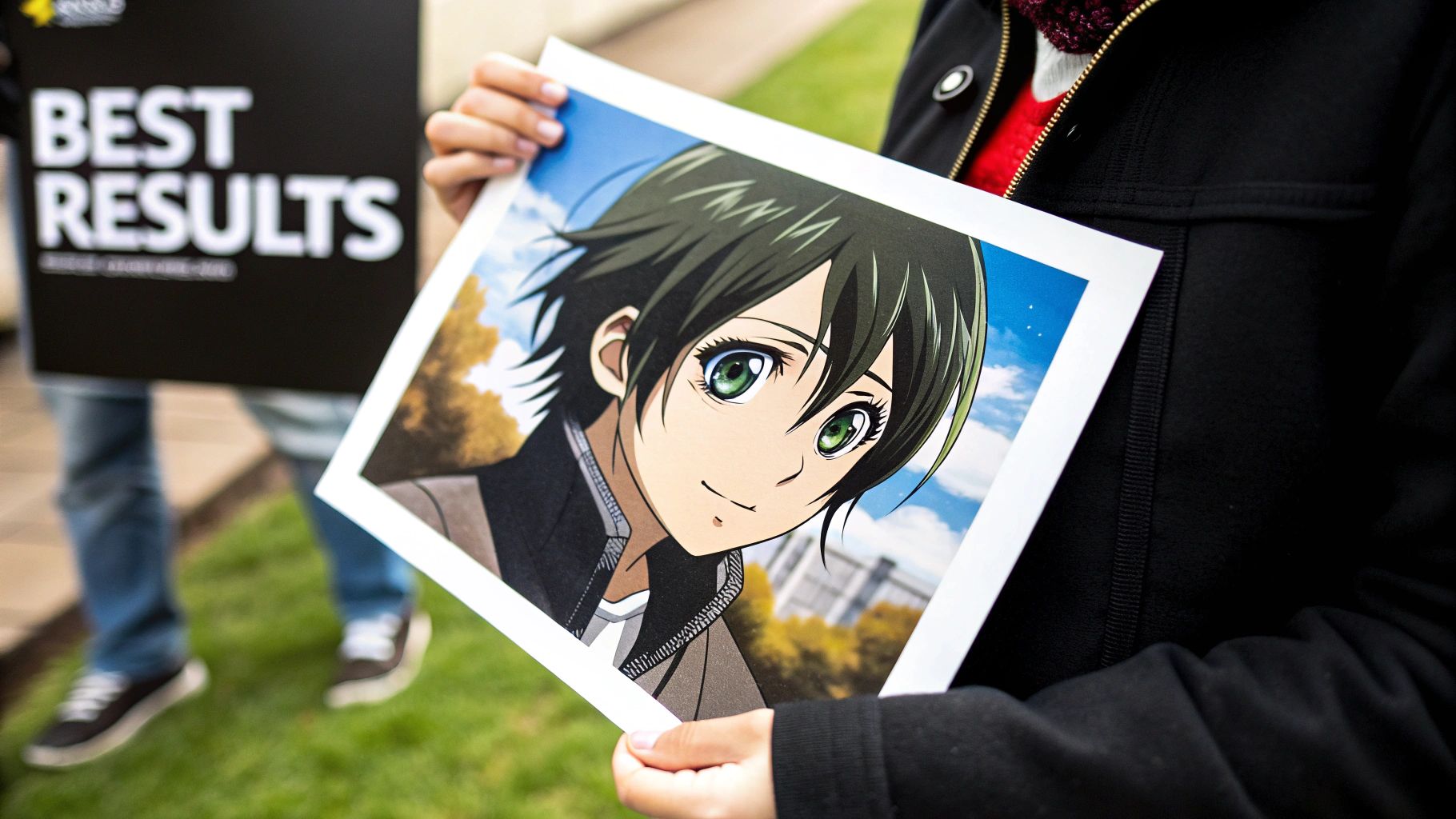
Jumping into the world of photo to anime AI is exciting, but it's natural for a few questions to pop up. Let's clear up some of the most common queries.
Is It Safe to Upload My Photos to an AI Anime Generator?
This is a big one, and a completely valid concern. When you’re working with a trusted platform like AI Photo HQ, your photo is only ever used to power the transformation. Reputable services don't claim any ownership of your original picture.
That said, it’s always a good habit to glance at the privacy policy of any tool you use. My advice? Stick with well-known platforms that are transparent about how they handle your data. As a general rule of thumb, it's probably best to avoid uploading extremely sensitive images to any online service, just to be on the safe side.
Why Does My AI Anime Art Not Look Exactly Like Me?
I get this question all the time. It's easy to think of the AI as a high-tech copy machine, but it’s much more like an artist interpreting your photo. The AI is designed to recognize your key features—your jawline, hair color, eye shape—and then translate them into a totally different artistic language.
If the resemblance feels a little off, don't worry. Here are a couple of practical steps you can take:
- Use a better source photo. A clear, front-facing picture with good, even lighting will almost always give you a more accurate result.
- Lower the influence setting. Most advanced tools have a slider that lets you control how strictly the AI sticks to your original photo. A lower influence setting typically preserves more of your original features.
The goal of a photo to anime AI isn't a perfect replica; it's an artistic reinterpretation. The magic happens in that creative space between your photo and the chosen style.
Can I Use My AI-Generated Anime Images for Commercial Projects?
This is a crucial question, and the answer almost always lives in the service's terms of use. The rules can differ quite a bit from one platform to another.
Generally, most free tools will restrict your creations to personal, non-commercial use. This means you’re free to post them on social media, but you can't use them for marketing materials or to sell products. Paid subscriptions or premium plans, on the other hand, frequently include a commercial license, which gives you the green light for client work, merchandise, or ads.
Before you ever use an AI-generated image for business, always read the licensing agreement carefully. This one simple step can save you from a world of potential legal headaches later on. It ensures your creative work is built on solid ground.
Ready to create stunning, high-quality anime art from your photos? AI Photo HQ gives you the tools to transform your images with professional results in seconds. Start creating your first masterpiece today.


