
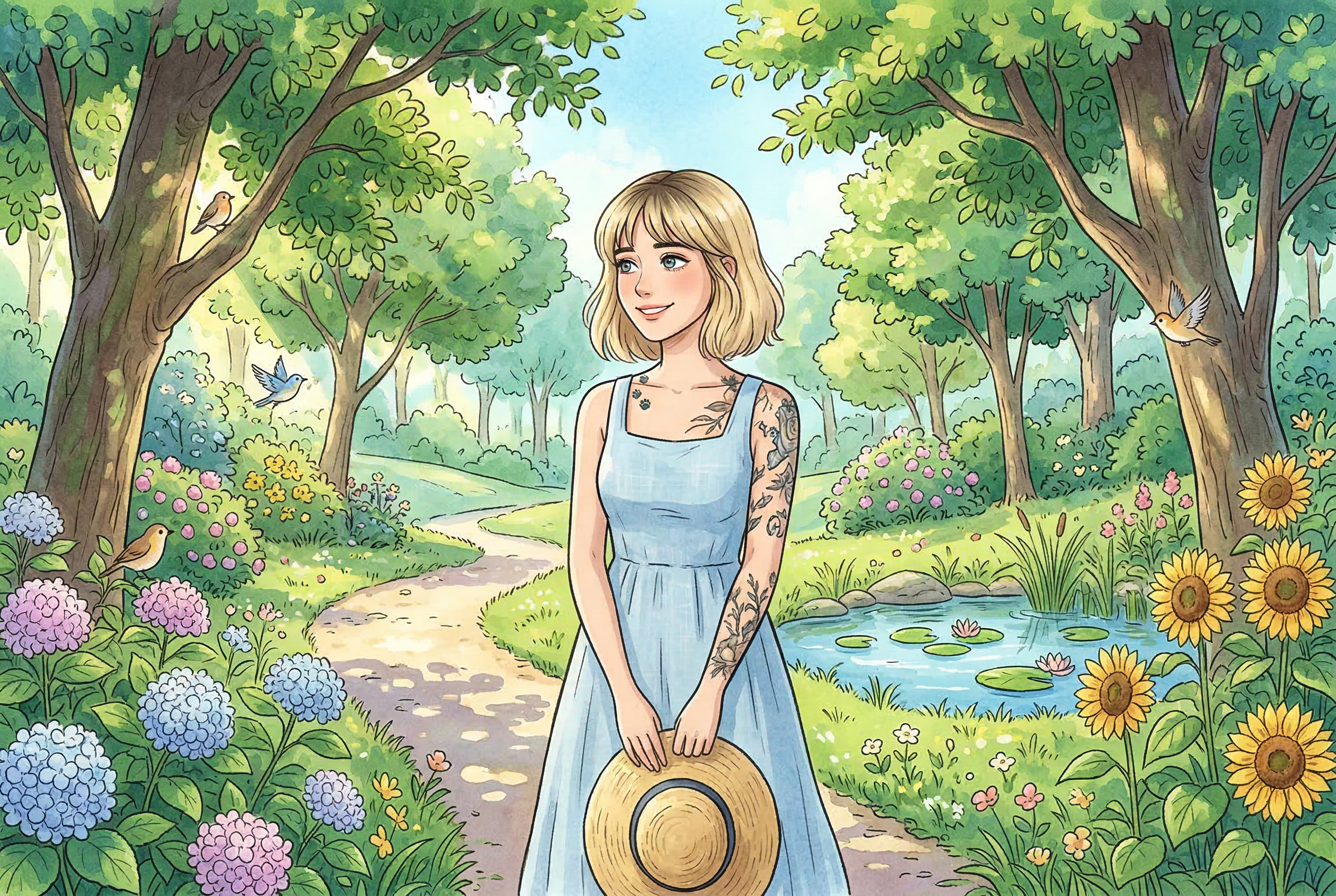
Why Ghibli-style AI art is still trending in 2026
“Ghibli style” remains popular because it blends soft painterly palettes, expressive environments, and storybook atmosphere. The trend is simple to try, but hard to do well: most outputs fail on composition, facial consistency, or over-saturation.
This guide focuses on getting clean, tasteful results instead of one-click gimmicks.
Best Ghibli-style AI generators right now
1) AI Photo Generator
Best for: fast, practical generation with flexible style workflows.
Use it when: you want social-ready output quickly with repeatable prompts.
2) getimg.ai (Ghibli Diffusion + image-to-image flow)
Best for: users who want text-to-image plus reference-based restyling.
Use it when: you need to transform existing photos while keeping structure.
3) Fotor Ghibli filter
Best for: simple one-click transformations.
Use it when: speed matters more than deep control.
4) insMind Ghibli filter
Best for: casual image-to-style conversions.
Use it when: you want an easy browser-based workflow.
5) DeepAI / similar prompt-first editors
Best for: experimentation with broader edit prompts.
Use it when: you want quick trials and don’t need strict style consistency.
How to generate better Ghibli-style images (step by step)
- Start with the right source image
Use clear subject separation, soft natural light, and uncluttered backgrounds. - Describe atmosphere, not just style
Instead of “ghibli style”, specify mood + environment + color palette. - Use image-to-image with moderate strength
Too high = identity drift. Too low = weak stylization. Start in the middle, then iterate. - Control the composition explicitly
Include framing terms like “wide shot”, “medium close-up”, “rule-of-thirds composition”. - Run 4–6 variants and branch
Pick one strong base and refine in small steps.
Prompt templates that work
Template A (portrait):
“portrait of [subject], hand-painted animation look, warm pastel palette, soft ambient lighting, detailed background foliage, gentle cinematic depth, clean linework, whimsical mood”
Template B (landscape scene):
“storybook countryside at sunset, painterly textures, soft clouds, warm highlights, subtle film grain, dreamy atmosphere, high detail background, balanced composition”
Template C (photo restyle):
“transform this photo into hand-painted animation style, preserve facial identity and pose, simplify textures, soft watercolor shading, vibrant but natural color balance”
Common mistakes to avoid
- Overstuffed prompts: too many style modifiers create noisy results.
- Ignoring light direction: causes fake-looking faces and flat scenes.
- Over-sharpened output: destroys the soft painterly feel.
- No iteration strategy: random reruns waste credits and time.
Ethics and publishing note
When posting Ghibli-inspired AI art publicly, label it clearly as AI-generated and avoid implying official Studio Ghibli collaboration. Transparent labeling helps avoid user confusion and keeps your brand credible.
Final verdict
If you want high-quality Ghibli-style results in 2026, the winning approach is not “find one magic tool.” It’s combining a solid source image, moderate reference strength, and prompt discipline. Use one-click filters for speed, but use structured workflows for truly share-worthy output.


