
#1 USER
FAVOURITE
Realistic AI Photo Generator
Generate stunning photorealistic AI images that look like professional photographs.
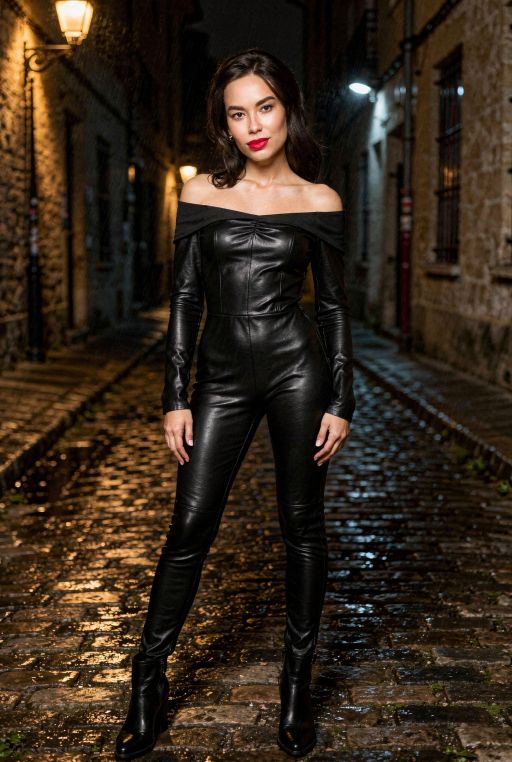
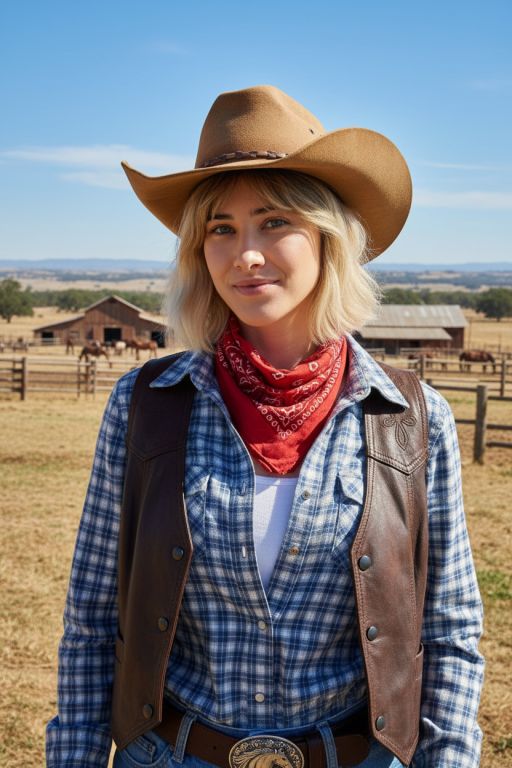
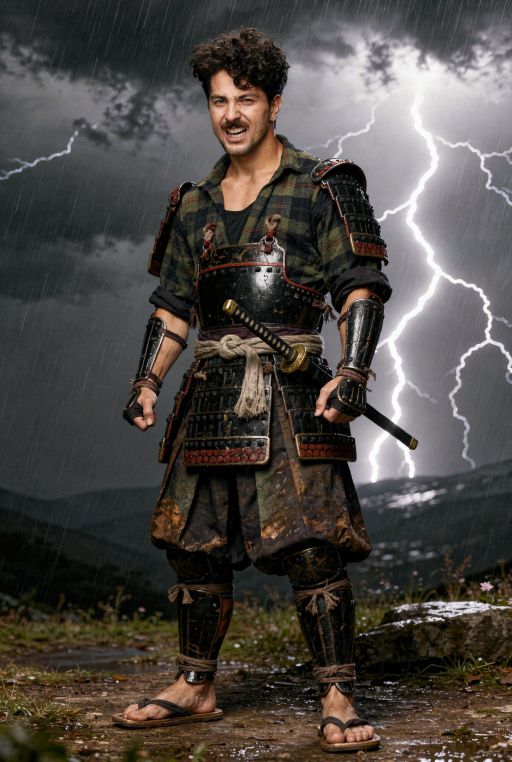
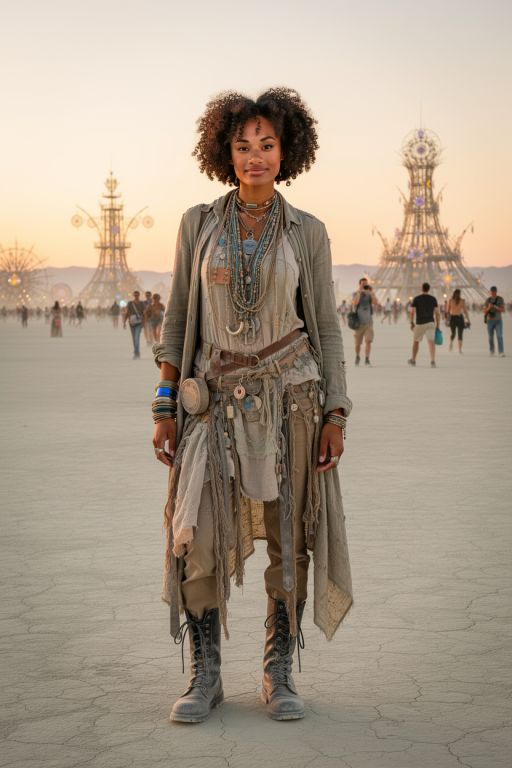
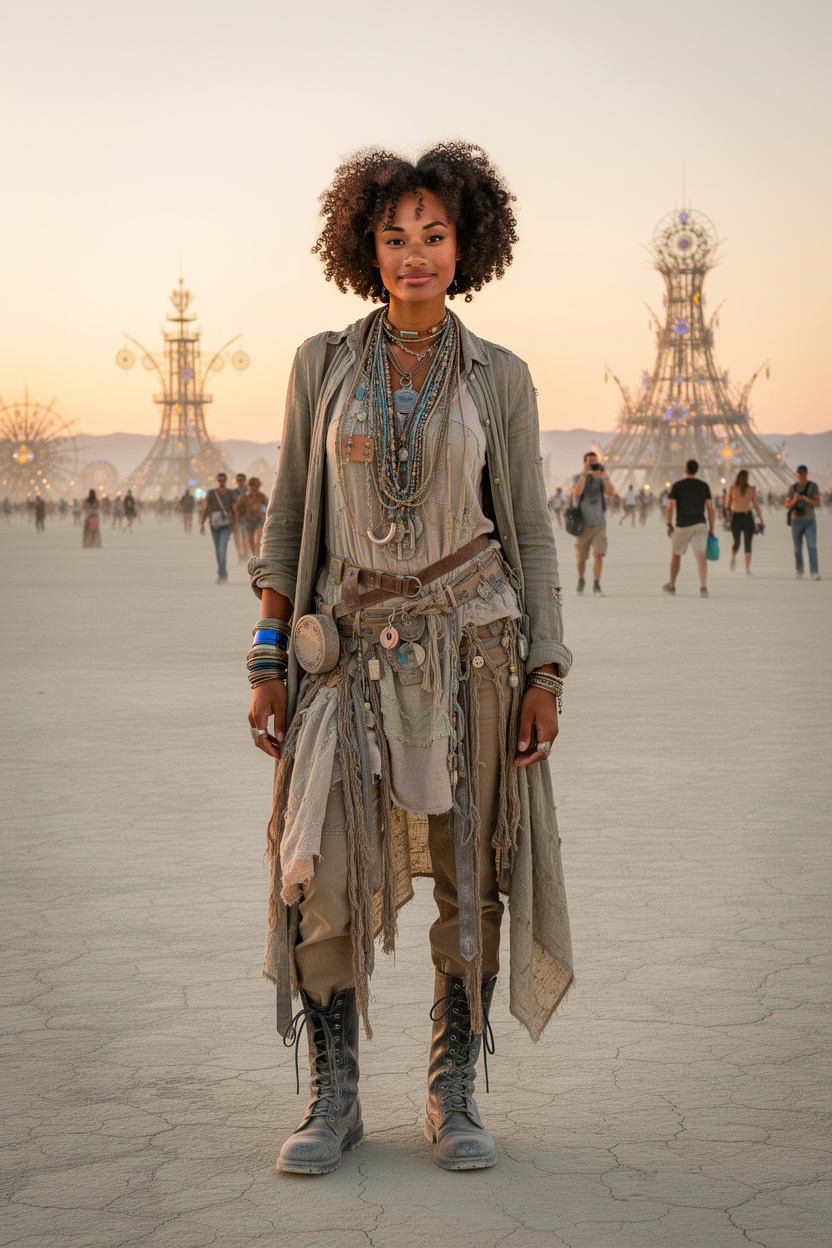
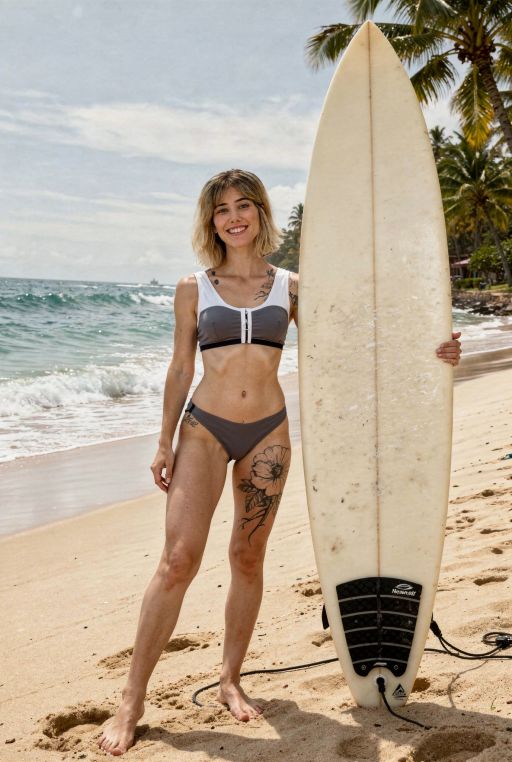
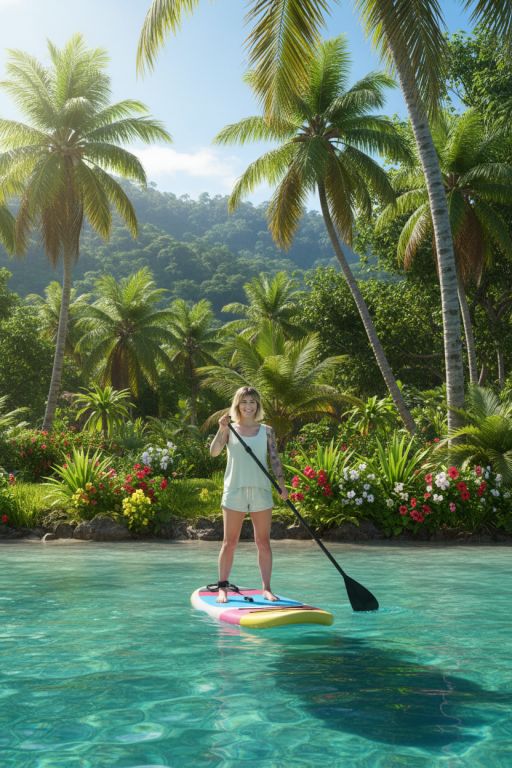
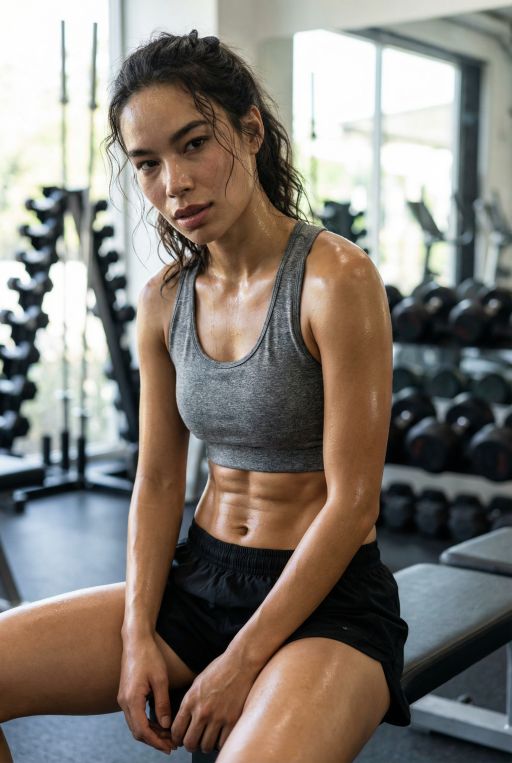
Generate stunning photorealistic AI images that look like professional photographs.
100,000+
creators worldwide
 Carlos R.
 Emma B.
 Luca M.
 Yuki T.
 Sofia L.
 Omar H.
 Priya S.
 Sarah K.
 Mia C.
 Alex W.
Share your best AI images with the community and get discovered
React to public images, leave feedback, and vote for your favourites
Study prompts and techniques from top creators to improve your craft
Realistic AI photos are images that look like real photographs — not cartoons, not paintings. Good AI models now handle the small details that used to give them away: natural lighting, skin texture, film grain, and true-to-life color.
A few years ago AI photos were easy to spot. That's over. Models like Flux 2, Seedream 4, and Stable Diffusion XL create photos that pass for real on product pages, LinkedIn profiles, and stock sites. What makes a great AI photo comes down to three things: a strong model, a prompt that describes the scene like a photographer would, and — if you want photos of a specific person — a trained character so their face stays the same every time.
With AI Photo Generator you can create realistic photos in seconds, train a character from your own selfies, and keep tweaking prompts until the result looks exactly how you pictured it.
Realistic AI Photo works beautifully across these use cases.
Generate LinkedIn-ready portraits, corporate headshots, and executive photos without booking a studio.
Create clean e-commerce shots, lifestyle product scenes, and marketing creative for every SKU in minutes.
Generate staging visuals, interior design concepts, and architectural renders from text alone.
Produce on-brand lifestyle content, campaign creative, and ad variations at the speed of the content calendar.
Replace expensive stock libraries with custom, rights-clean photography for blogs, publications, and media kits.
Create flattering profile pictures, dating app photos, and personal portraits with a trained character of yourself.
Copy a prompt, head to the generator, and see the result in seconds.
Professional headshot of a businesswoman in her 30s, navy blazer, soft studio lighting, clean white background, sharp focus, shallow depth of field, 85mm lens, DSLR photography
Amber glass serum bottle on a white marble surface, natural daylight from the left, soft diffused shadows, minimalist composition, product photography, commercial quality
Young couple walking through an autumn forest at golden hour, candid moment, 35mm film aesthetic, shallow depth of field, warm natural light
Modern living room interior, floor-to-ceiling windows, abundant natural light, Scandinavian design, neutral palette, wide 16mm lens, architectural photography
Rustic sourdough bread sliced on a wooden board, steam rising, overhead shot, natural window light, shallow depth of field, food magazine styling
Casual portrait of a man in a coffee shop, warm ambient lighting, genuine smile, 85mm lens bokeh, cinematic color grade, editorial lifestyle photography
Create a free account and pick a photorealistic base model — Flux 2, Seedream 4, and Stable Diffusion XL all excel at realism.
If you want realistic photos of yourself or someone specific, upload 15+ varied selfies to train a custom character. This locks in facial consistency across every generation.
Include the subject, setting, lighting, camera and lens, mood, and a photography style cue (e.g. "editorial", "DSLR", "35mm film"). Specificity is the biggest lever on realism.
Create a batch, pick the closest result, and refine the prompt. Small changes to lighting or lens specs often deliver a much more convincing photo.
Save high-resolution images, star your favorites into collections, or publish to the community gallery — your outputs are yours to use.
Our plans start from 29$ and fit any use case and budget.
You can create as many custom characters as you want, no extra charge.
No need to wait for 30-60 minutes, get your images in seconds!
Choose from a variety of fun templates and pre-built styles.
We can generate images optimised for sharing in Instagram, TikTok, etc.
Tag your favorite photos and we will host them forever for you.
Monthly plan
An affordable plan for everybody to start experimenting with modern AI
Monthly plan
A plan for serious bloggers and influencers to take things a step further
Monthly plan
Running an agency or a very popular social profile? This plan will work for you
Three things: a model trained on photography (not art), prompt language that describes a camera and lens rather than a painting style, and lighting specifics (golden hour, soft studio, natural window light). Mentioning things like "85mm lens", "shallow depth of field", and "DSLR" pushes the model toward photographic output.
Flux 2 and Seedream 4 currently produce the most photorealistic output, especially for people and faces. Stable Diffusion XL is a strong all-rounder and runs faster. You can switch models freely on AI Photo Generator and compare results side by side.
Yes. Upload 15 or more varied selfies (different angles, lighting, expressions) and we train a custom character for you. After that, every generation featuring that character will keep your likeness consistent across outfits, scenes, and styles.
Images you generate on AI Photo Generator are yours to use for commercial work — product shots, ads, headshots, stock — under our standard license. Check the terms page for the specifics that apply to your plan.
Most realistic images finish in 5 to 20 seconds depending on the model and resolution. Training a custom character takes 10 to 20 minutes the first time, then generations with that character are just as fast as any other image.
Yes — our LinkedIn Headshot and Resume Photo styles are tuned specifically for professional profile use. If you train a character from your real selfies, the output is recognizably you in a polished studio setting.
Think like a photographer briefing a shoot. Describe the subject, the setting, the lighting (direction, hardness, color temperature), the camera and lens, and the mood. Avoid words associated with illustration ("painting", "digital art", "render") — they pull the model away from realism.
Modern models like Flux 2 and Seedream 4 have largely solved hand and face artifacts that made older AI photos easy to spot. When issues appear, they are usually fixed by regenerating with a slightly different prompt or using our in-app editing to refine specific regions.
Join thousands of creators generating professional-quality images with the most powerful AI models available.